
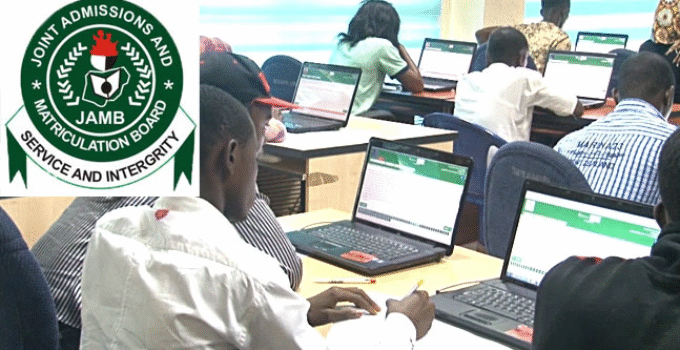
How to Create JAMB Profile 2026/2027 for UTME and Direct Entry Registration – Below, we explain everything you need to know about JAMB profile, including how to get your JAMB profile code, UTME profile creation starting date, how to retrieve your code, the requirements for obtaining it through SMS, and possible reasons why you may not be receiving the code.
To register or buy 2026 JAMB UTME or Direct Entry (DE) Form, you must first create your JAMB profile by sending your NIN to 55019 to get your UTME registration profile code.
JAMB profile creation for 2026 UTME registration will start from 5th January 2026
Table of Contents
- 1 All You Need to Know About 2026 JAMB Profile Code
- 2 Requirements for JAMB Profile Creation 2026 via SMS
- 3 How to Create JAMB Profile 2026/2027 for UTME and Direct Entry Registration
- 4 UTME and Direct Entry Profile Code Information
- 5 Reasons Why You Are Not Getting JAMB Profile Code in 2026/2027
- 6 Solutions to JAMB profile creation and JAMB Profile Code Issues 2026
- 7 Conclusion
All You Need to Know About 2026 JAMB Profile Code
A JAMB profile is a personal account created by candidates who intend to register for the 2026 Unified Tertiary Matriculation Examination.
After creating your JAMB profile, you will be assigned a unique JAMB profile code for UTME or Direct Entry registration.
Requirements for JAMB Profile Creation 2026 via SMS
To receive JAMB profile code 2026, you must have the following requirements:
- National Identification Number (NIN)
- Phone Number (MTN, AIRTEL or GLO SIM-CARD)
- Mobile Phone
- N50 Airtime
How to Create JAMB Profile 2026/2027 for UTME and Direct Entry Registration
Here is how to create and get your 2026 JAMB profile code:
- Send a direct SMS to JAMB centre number 55019.
- Write “NIN,” followed by a space, and then your 11-digit NIN in the message.
- For example, NIN 1234567890
- Replace 1234567890 with your NIN and send the message to 55019.
- You will be charged 50 Naira for the SMS.
- After sending it, you will receive your unique JAMB profile code, which you will use for the 2026 JAMB registration.
NOTE: You cannot use another person’s phone number or a past JAMB candidate’s number to obtain your JAMB profile code for UTME and Direct Entry (DE) registration.
UTME and Direct Entry Profile Code Information
Before generating a JAMB profile code, ensure that the data in your NIN represents you and is correct; if there’s an error, JAMB will automatically generate it and it will affect you in the long run.
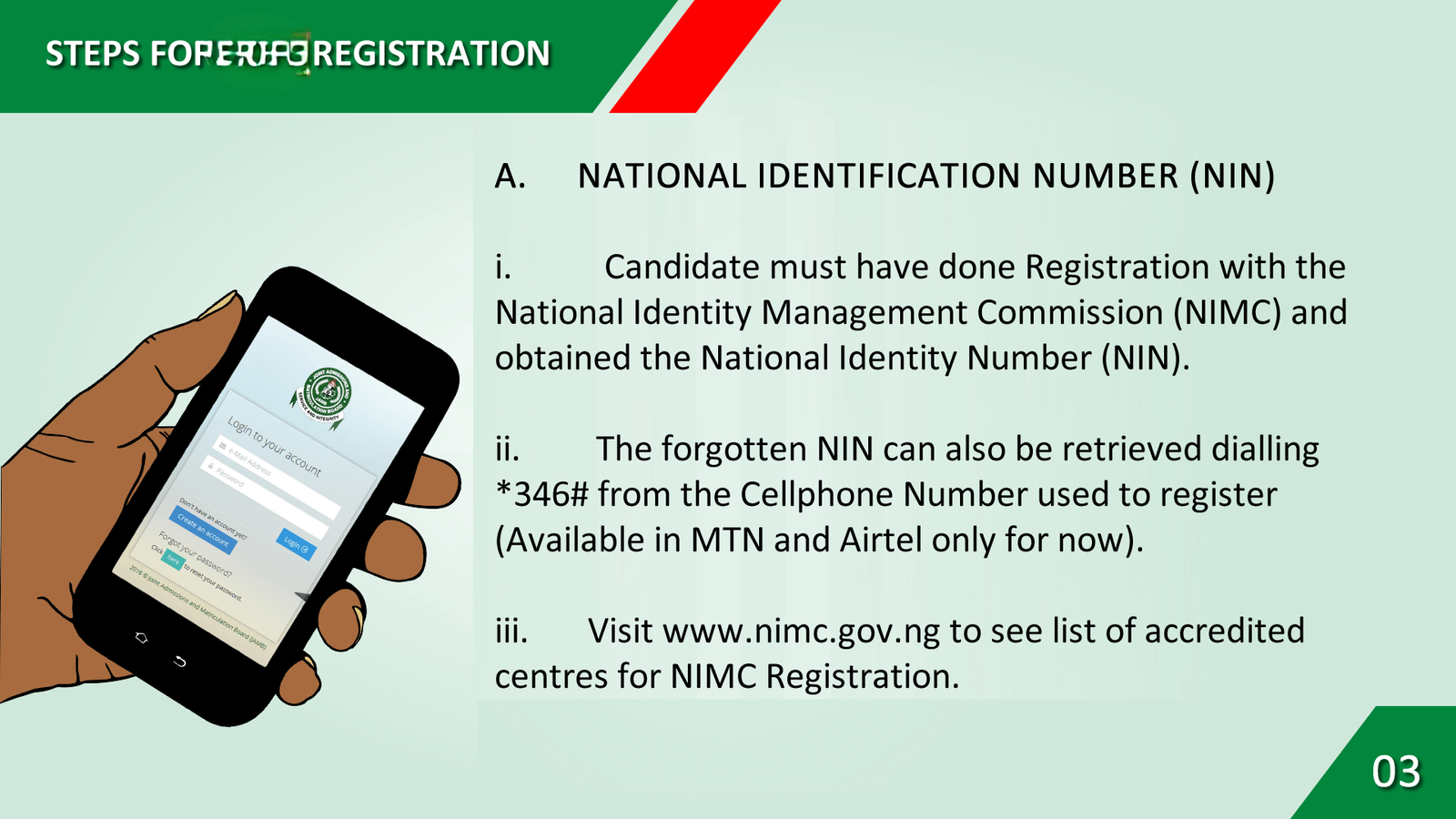
- You cannot use another person’s NIN to generate a JAMB profile code or to create a JAMB profile.
- If you already created a profile in 2021, 2022, 2023, 2024, or 2025, you cannot create a new profile; you must use your old JAMB profile code for the 2026 UTME registration.
- If you have forgotten your profile code and want to RETRIEVE or RECOVER it, text RESEND to 55019 via SMS.
- Ensure you link a verified email address to your profile
- To recover your lost JAMB profile password through SMS, open the SMS app on your phone. and type PASSWORD followed by a space, add your registered email address, and send it to 55019. For example, Password example@gmail.com
- You can also create JAMB profile using JAMB profile creation portal at www.efacility.jamb.gov.ng.
- The cost of creating a JAMB profile and getting a code is 50 naira.
- JAMB profile code 2026 is 11 digit Number.
Reasons Why You Are Not Getting JAMB Profile Code in 2026/2027
After sending your NIN to 55019, you should receive a unique profile code.
However, in some cases, you may not receive it due to common problems like;
- Not Having Sufficient Credit on Your SIM Card
- Using a Special Package or Promo Bundle on Your SIM Card
- Activating Do Not Disturb (DND) on Your SIM Card
- Sending the Wrong NIN to 55019
- Sending the Right NIN to the Wrong Number
- Sending your NIN in the wrong format
- Using a SIM Card That Another Candidate has Already Used
Solutions to JAMB profile creation and JAMB Profile Code Issues 2026
- Recharge your SIM card with at least N50 airtime, then resend your National Identification Number (NIN) to 55019.
- Ensure you use the same SIM card you used during NIN registration.
- Deactivate DND on your SIM card by sending STOP to 2442.
- Once deactivated, try resending your NIN to 55019.
- Use a different SIM card that another candidate has not used.
- Make sure your SIM is registered with your NIN and has enough airtime.
- Resend your NIN to 55019.
- Double-check your NIN and ensure it is correct.
- Avoid adding spaces or punctuation between the digits.
- Send your NIN to the correct number, 55019.
- Avoid sending it to similar numbers like 66019, 55018, or 55020.
Conclusion
If the problem is not resolved after trying all the above recommendations, contact UniBeginner via WhatsApp to rectify it.
We hope this update has helped you understand how to create JAMB profile 2027 for UTME and Direct Entry registration.
You may want to check out our expert guides on:
If you liked this post or have any questions, please leave a comment below.